Private desk
A switch tester can be satisfying for short breaks, especially if you already enjoy keyboard feel.
Guide / 2026 update
Compare keyboard-style fidgets by switch feel, noise, desk use, portability, and when clicky feedback becomes distracting.
Quick answer
Keyboard fidgets are best for people who like mechanical switch feedback, but they are usually desk-only and often loud. They fit private desks and keyboard enthusiasts better than classrooms or shared offices.
Best-fit formats
Decision context
Keyboard fidget searches usually come from people who like mechanical switches or want a small desk toy with strong click feedback. The key is matching switch sound and feel to the room, because satisfying tactile feedback can quickly become distracting.
A switch tester can be satisfying for short breaks, especially if you already enjoy keyboard feel.
Clicky switches are risky. Linear or damped switches are more considerate, but still more audible than stones or rings.
Keyboard fidgets are usually too noisy unless explicitly allowed. Use a pencil grip or silent texture instead.
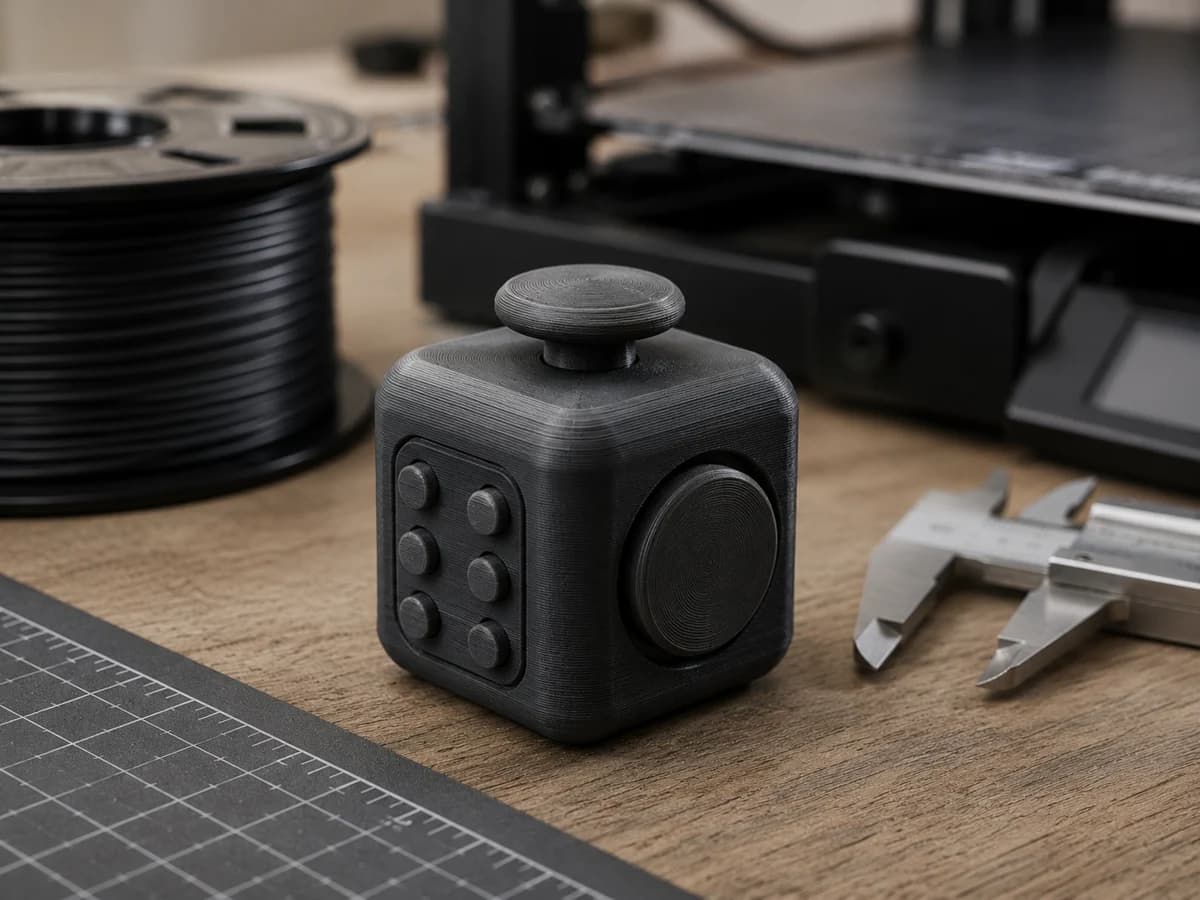
3D printed switch housings need tight tolerances so switches do not wobble or rattle.
These are starter format recommendations from the current comparison library. Use the finder if your setting or sensory preference is different.
Format reviewed: 2026-06-27
Best for
Clicky feedback
Avoid if
Shared offices
Feel
clicky, mechanical
Portable
desk only
Common complaint to check
"Too loud"
Format reviewed: 2026-06-27
Best for
STL beginners
Avoid if
People avoiding assembly or print tuning
Feel
haptic, mechanical
Portable
bag friendly
Common complaint to check
"Links can fuse"
Format reviewed: 2026-06-25
Best for
3D printing hobbyists
Avoid if
No-assembly users
Feel
mechanical, clicky
Portable
desk only
Common complaint to check
"Print tolerance issues"
| Format | Best for | Noise | Feel | Discreetness | Avoid if |
|---|---|---|---|---|---|
| Keyboard Switch Tester | Clicky feedback | clicky (5/5) | clicky, mechanical, haptic | noticeable | Shared offices |
| Printable Flexi Link | STL beginners | low (2/5) | haptic, mechanical, textured | noticeable | People avoiding assembly or print tuning |
| Maker Link Cube | 3D printing hobbyists | clicky (5/5) | mechanical, clicky, textured | noticeable | No-assembly users |
Pick switch feel first: clicky, tactile, linear, or damped.
Match switch noise to the room before choosing size or color.
For printed housings, check switch fit and tolerance notes.
Quiet classrooms
Noise-sensitive offices
Users who need pocket carry
Using clicky switches in shared spaces.
Buying switch testers without knowing the switch type.
Assuming a keyboard fidget will be portable enough for daily carry.
Most are not silent. Linear or damped switches can be quieter than clicky switches, but they are still usually louder than rings, stones, or silicone tools.
They are best for desk users, keyboard enthusiasts, and people who specifically enjoy mechanical switch feedback.
Yes, but switch fit and housing tolerance matter. Loose housings can wobble and make the fidget feel cheaper or louder.